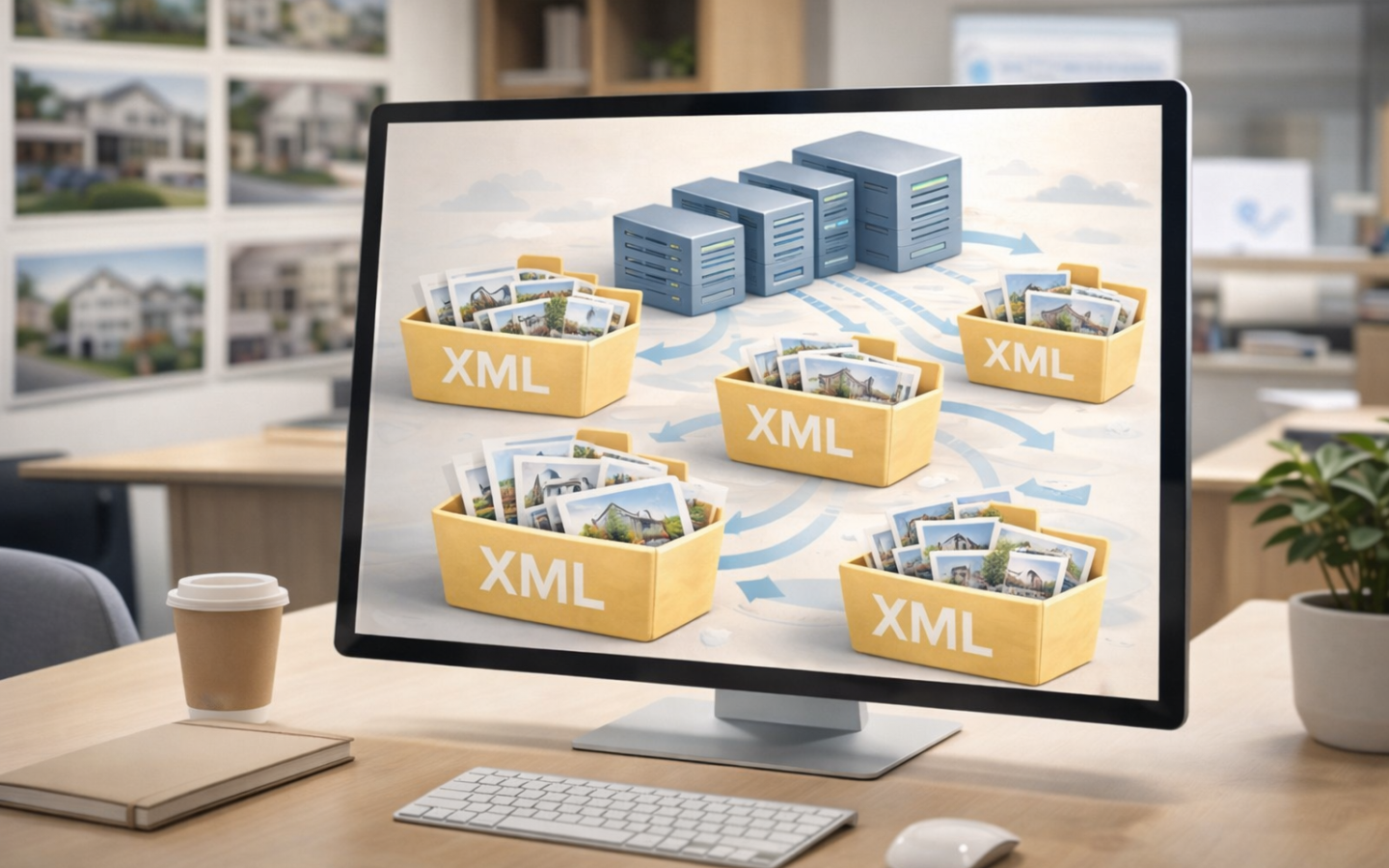



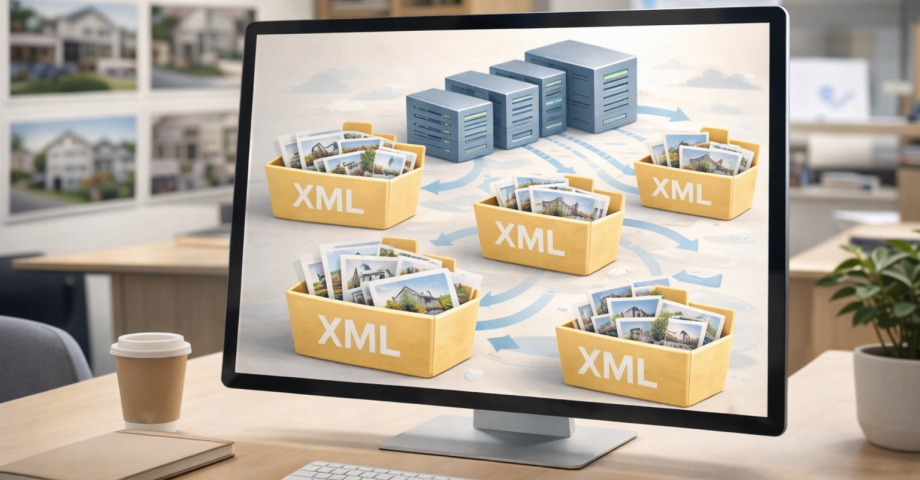
When we work with real estate websites that import properties via XML, it’s important to understand that the more homes and data you import, the more web hosting space you use. This isn’t an arbitrary extra cost, but a direct consequence of the system’s real usage.
Let’s explain it in a simple way.
Importing properties via XML = using real storage space
Let’s imagine a very common scenario:
- We import 1 new-build XML feed with 1,200 properties
- Each property has, on average, 15 photos
That means:
- 1,200 properties × 15 photos = 18,000 images
- Each image can be between 1 MB and 5 MB
- Photos alone can take up between 25 and 45 GB of space
And that’s with just one XML feed.

What happens if you import multiple XML feeds?
Many clients don’t import just one XML feed, but:
- A new-build XML feed
- A resale XML feed from an MLS
- XML feeds from several partner agencies
If we’re talking about dozens of XML feeds, the space used grows exponentially, because:
- More properties are stored
- Thousands and thousands of images are stored
- Data, descriptions, translations and internal logs are saved
All of that physically lives on the server and takes up real space.
Email also takes up space (a lot)
On top of that, most email accounts use IMAP, which means:
- Emails are not deleted from the server
- Even if you read them on your computer or phone, they still take up space
- Attachments, quotes, images and documents build up over time
Result: the space used keeps increasing, even if the website doesn’t change.
Backups: storage space is duplicated
For security, the system runs automatic backups on a separate server.
This means that:
- Everything your website uses
- Is also replicated in the backup
If your website uses 40 GB, the backup also needs those same 40 GB.

What hosting does the system include by default?
By default, the included web hosting is:
- 50 GB of storage
- Enough for more than 1,500 properties
- Suitable for a standard real estate project
From there, if the project grows, the hosting grows with you.
Storage upgrades as needed
When space starts to run low, the client can:
- Add additional 25 GB blocks
- Scale hosting progressively
- Pay only for the space they actually need
It’s a flexible system, proportional to real usage.

A clear and transparent conclusion
If...
- you import a lot of properties via XML
- you import XML feeds from multiple agencies or an MLS
- you don’t delete emails from the server
- your project grows over time
It’s normal and logical that you’ll need more hosting space.
It’s not an unjustified extra cost — it’s the direct result of:
- More data
- More images
- More emails
- More security (backup copies)
The goal is for your website to run fast, stay secure and work without limitations, supporting the real growth of your real estate business.
Image gallery