

Importing properties via XML is one of the fastest ways to expand a real estate agency’s property portfolio. It allows you to receive new-build properties, listings from collaborators or properties from other providers without having to enter all the information manually.
However, there is something important we should not forget: automatically receiving properties does not mean they should all be displayed on the website exactly as they arrive.
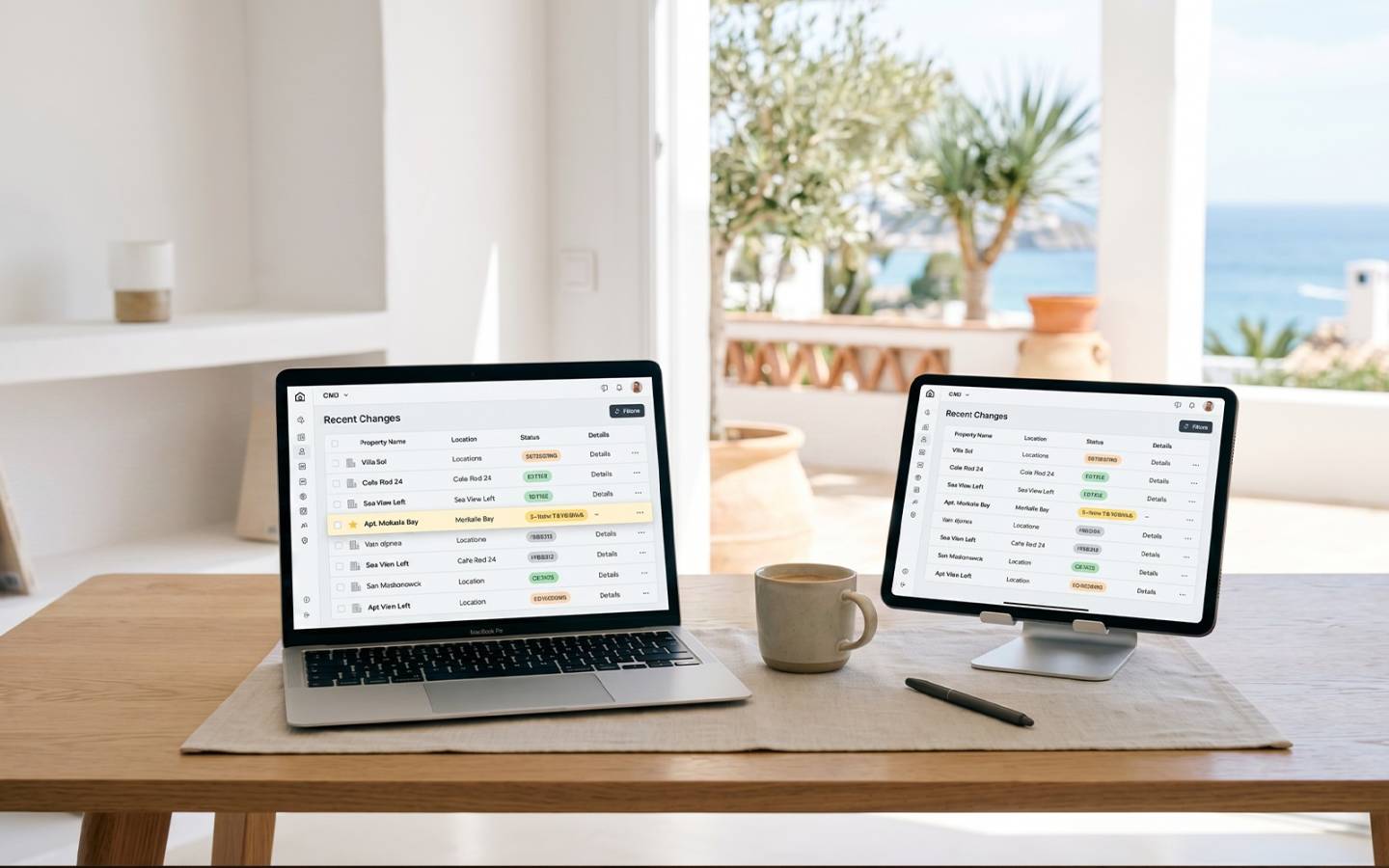
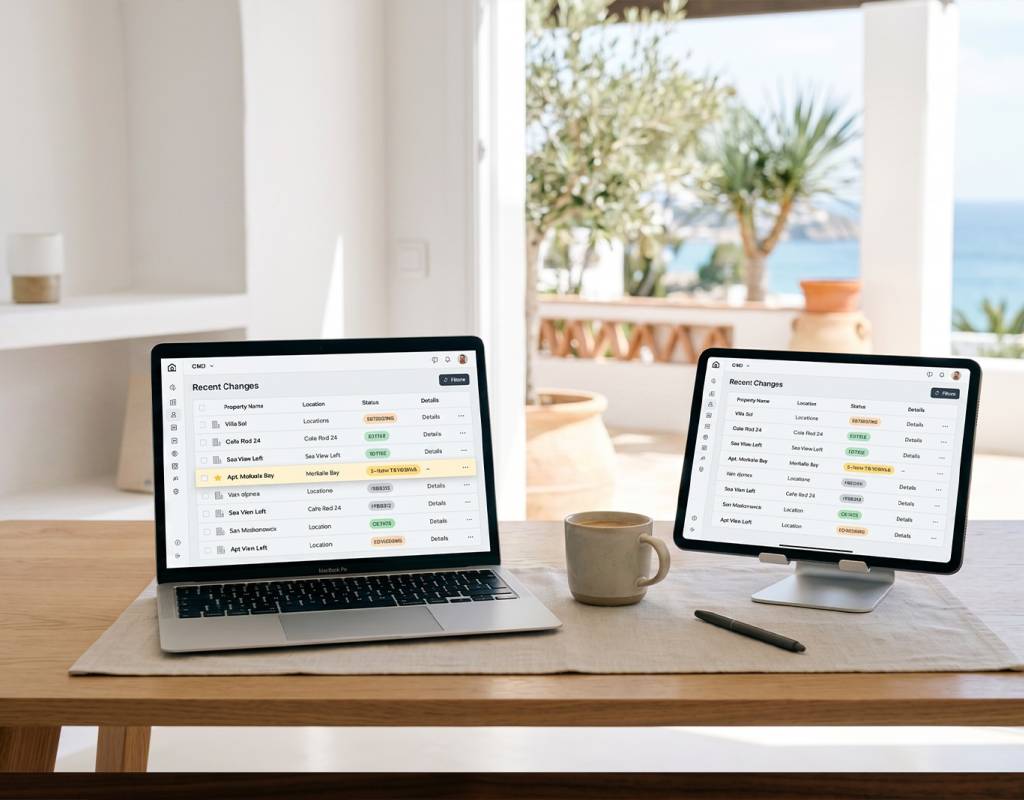
For XML to be truly useful from a commercial point of view, it is essential to review, filter and properly manage the incoming listings within the CRM. And for that, one of the most useful tools is the “Change History” section.
This is not a new feature. It has always been available within the CRM, but many agencies do not use it regularly. However, it can become a very valuable control point to keep your portfolio updated and make better commercial decisions.
What is the “Latest Property Changes” control used for?
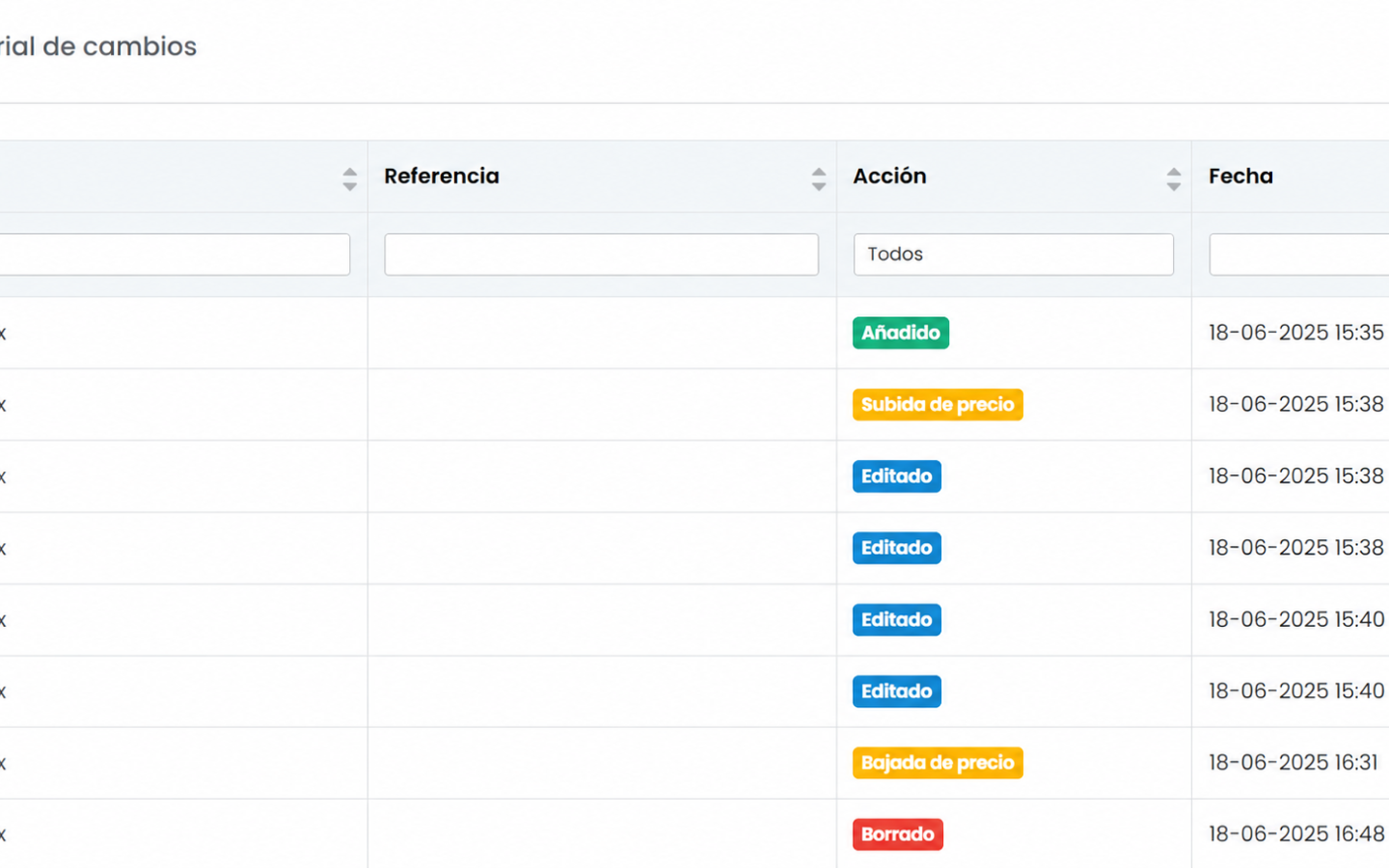
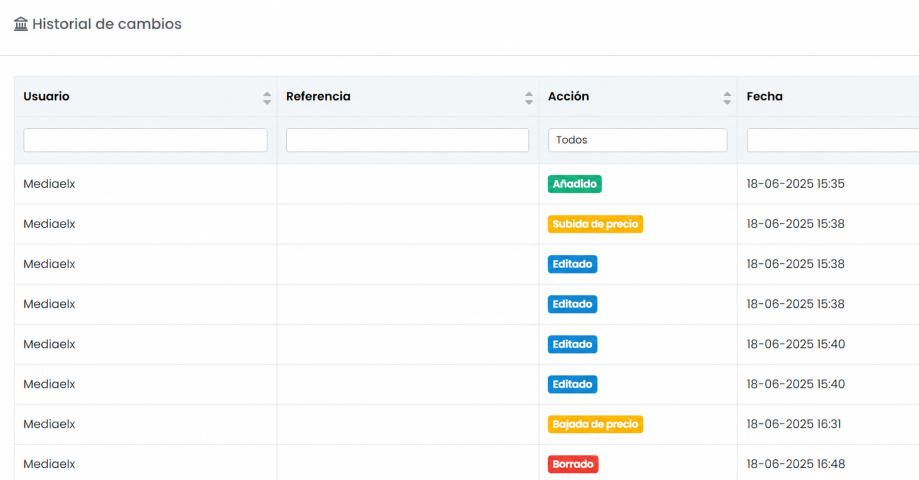
The change history allows you to see which properties have recently entered the database and which listings have been modified.
From this CRM section you can review, for example:
- New properties added via XML
- Recently edited properties
- Properties with price reductions
- Properties with price increases
- Changes that may affect the agency’s commercial strategy
This information helps you maintain clearer control over the product entering your system and prevents the public website from becoming filled with properties that may not fit your strategy, brand image or buyer profile.

Reviewing new listings daily: a highly recommended routine
When an agency works with XML imports, many properties can be added in a short period of time. Some will be highly interesting, while others may not have enough commercial quality.
That is why a good practice is to review the property change history daily to identify what new listings have entered and decide how to manage them.
During this review it is advisable to check:
- Whether the photos are attractive and professional
- Whether the price seems correct
- Whether the location fits the agency’s client profile
- Whether the property has commercial potential
- Whether the features are clearly presented
- Whether it should be highlighted or used in campaigns
- Or whether it should be hidden instead
The goal is not to review for the sake of reviewing. The goal is to better control which properties are displayed, which are promoted, and which do not add value to the commercial strategy.
Not all imported properties have the same value
One of the most common mistakes when working with XML is assuming that the more properties displayed on the website, the better.
But in many cases, quality is more important than quantity.
A property with poor photos, incomplete information, a less strategic location or an uncompetitive price may add little value to the agency. It can even negatively affect the website’s image if it appears alongside higher-quality listings.
That is why the CRM allows more professional decision-making:
- If a property does not fit the strategy, you can hide it
- If a property has potential, you can optimise it and increase its visibility
- If you identify a particularly attractive listing, you can prioritise it in social media, newsletters, campaigns or sales communications
The key is to apply a simple logic: not all listings deserve the same effort.
The 80/20 rule applied to real estate listings
Managing an imported portfolio properly does not mean spending the same amount of time on every property.
The most effective approach is to apply the 80/20 rule: identify the small group of properties with the highest potential and focus more commercial effort on them.
That top 20% of properties can be what truly generates more leads, more viewings and more sales opportunities.
For example, a property with good photos, a competitive price, a desirable location and attractive features can be a strong candidate to:
- improve its description;
- highlight it on the website;
- share it on social media;
- include it in a newsletter;
- use it in advertising campaigns;
- send it to active CRM clients.
On the other hand, a low-quality property with poor photos or not aligned with the agency’s buyer profile may not deserve visibility on the public website.
Be careful with photos containing logos, watermarks or other agency data
Daily review also helps protect the professional image of the real estate agency.
Sometimes, properties imported via XML may include photos with logos, watermarks, commercial references or visual elements from another agency or provider.
In these cases, it is best to temporarily deactivate the property and contact the collaborating agent or XML provider so they can correct the information at the source.
Once fixed, the property can be reactivated with a cleaner and more professional presentation.
This step is important because a real estate website must convey trust. If buyers see images with other company branding or unclear information, it can create confusion and affect the agency’s credibility.
From automated catalogue to a well-managed commercial portfolio
XML is a very useful tool, but its real value appears when combined with proper CRM management.
It is not just about automatically receiving properties. It is about knowing:
- which properties are coming in;
- which deserve visibility;
- which need review;
- which can be enhanced;
- which should be hidden;
- which can become real commercial opportunities.
This allows you to work with more criteria, keep the website more polished and better identify incoming opportunities within the CRM.
A simple tool that can improve your commercial strategy
Checking the latest changes daily does not require complex actions, but it can make a significant difference in how you manage your property portfolio.
Reviewing new listings, detecting price drops, selecting the best properties and hiding those that do not fit helps create a more professional, organised and strategically aligned portfolio.
Ultimately, the CRM should not just be a place where properties accumulate.
It should be a commercial working tool.
And using the change history correctly is a simple way to get more out of XML imports, improve website quality and focus efforts on the properties that can truly generate leads, viewings and sales.
Image gallery